The complete VPN guide: how VPNs work and how to choose one
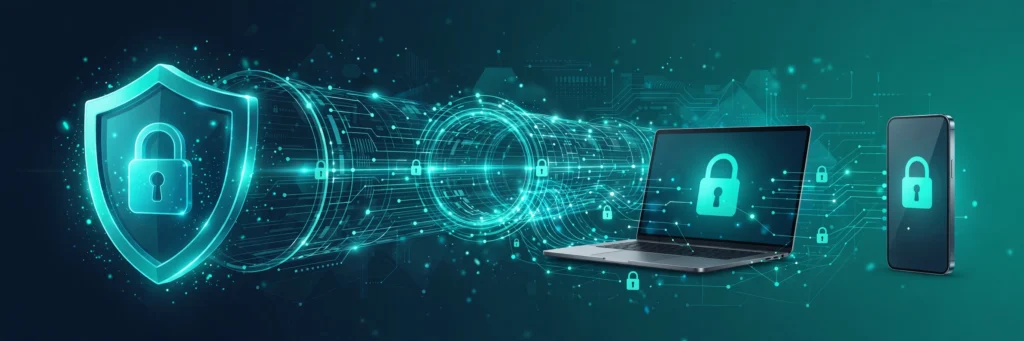
Best 3 VPN is a tracker, not a VPN seller. We follow app, game and streaming blocks in 130 countries, across 71 apps, with 312 active restrictions, and we name the three VPNs that fit each place. This guide explains how a VPN works, what it can and cannot do for you, and how to pick one. It is the starting point for the whole Best 3 VPN blog.
What Is A VPN?
A VPN, or virtual private network, is software that sends your internet traffic through a server run by the VPN company before it reaches the website or app you want. The site you visit sees the VPN server, not your own connection. Your internet provider sees encrypted traffic going to the VPN server, not the sites inside it.
That is the whole idea. A VPN changes where your traffic appears to come from, and it hides what you are doing from the network between you and the VPN server.
How A VPN Works
When you switch a VPN on, it builds an encrypted tunnel from your device to one of its servers. Everything you send and receive travels inside that tunnel. The server then sends your request on to the internet and returns the answer to you through the same tunnel.
Two things matter here: the encryption, which stops people on your network reading your traffic, and the server location, which decides what country your traffic appears to come from. If an app is blocked in your country, a server in another country can make the app work again, because the app only sees the VPN server.
Not every VPN works in every country. Some networks inspect traffic and block VPNs themselves. That is why our Best VPN ranking is per country, and why we run live checks on whether leading VPNs still connect in each place.
What A VPN Does Not Do
A VPN does not make you anonymous. The VPN company can see what you do, so you are trusting it in place of your internet provider. A VPN does not stop tracking cookies, it does not remove malware, and it does not make a blocked app legal where the law forbids it.
A VPN also cannot fix a bad connection. If your internet is slow, the VPN usually makes it a little slower, because your traffic travels further. We cover this in our guide on whether a VPN is safe, and our safety pages look at each app on its own.
How To Choose A VPN
Start from your country and your app, not from a brand. A VPN that is excellent in one country can be blocked in another. Check the country list to see what is blocked where you are, and the app list to see the countries where your app is restricted. Then pick from the three VPNs named on that page.
After coverage, look at speed, device limits, streaming support and price. A good VPN for streaming may not be the best one for gaming, and the cheapest plan is not always the best value if it stops working in your country.
The Three VPNs That Fit Each Place
Best 3 VPN keeps a registry of six familiar providers: NordVPN, ExpressVPN, Surfshark, Proton VPN, CyberGhost and Private Internet Access. Each country, app and game page names three of them that suit that place, weighing how strong the censorship is, how fast the connection runs and what our live reports show.
You can see the full ranking on the Best VPN page, and the same three picks appear on every country and app page, so you never have to guess.
How To Set Up A VPN
Setting up a VPN is quick. Sign up on the VPN website, install its app on your phone or computer, sign in, and connect to a server in the country you need. Most apps pick a server for you. If an app stays blocked, try another server in the same country, or switch on the VPNs obfuscation or stealth mode, which hides VPN traffic from networks that inspect it.
Where networks inspect traffic, plain VPN traffic can be stopped as well. The answer is a mode that disguises the tunnel. Look in your VPN app for a setting called obfuscation, stealth or NoBorders, switch it on, and connect again. Five of the six providers in the registry ship with one of these modes, so if yours does not offer it, the settings page of your app is the first place to look.
Start with the country that applies to you, then use our unblock guides for step by step fixes for your app.